---
title: "【JavaScript】JS地下城-2F-時鐘"
description: "JS地下城-2F-時鐘"
canonical_url: "https://hannoeru.me/posts/javascript-dungeon-2f-clock"
---
> Index of every page on this site: [llms.txt](https://hannoeru.me/llms.txt)
## 2F-時鐘
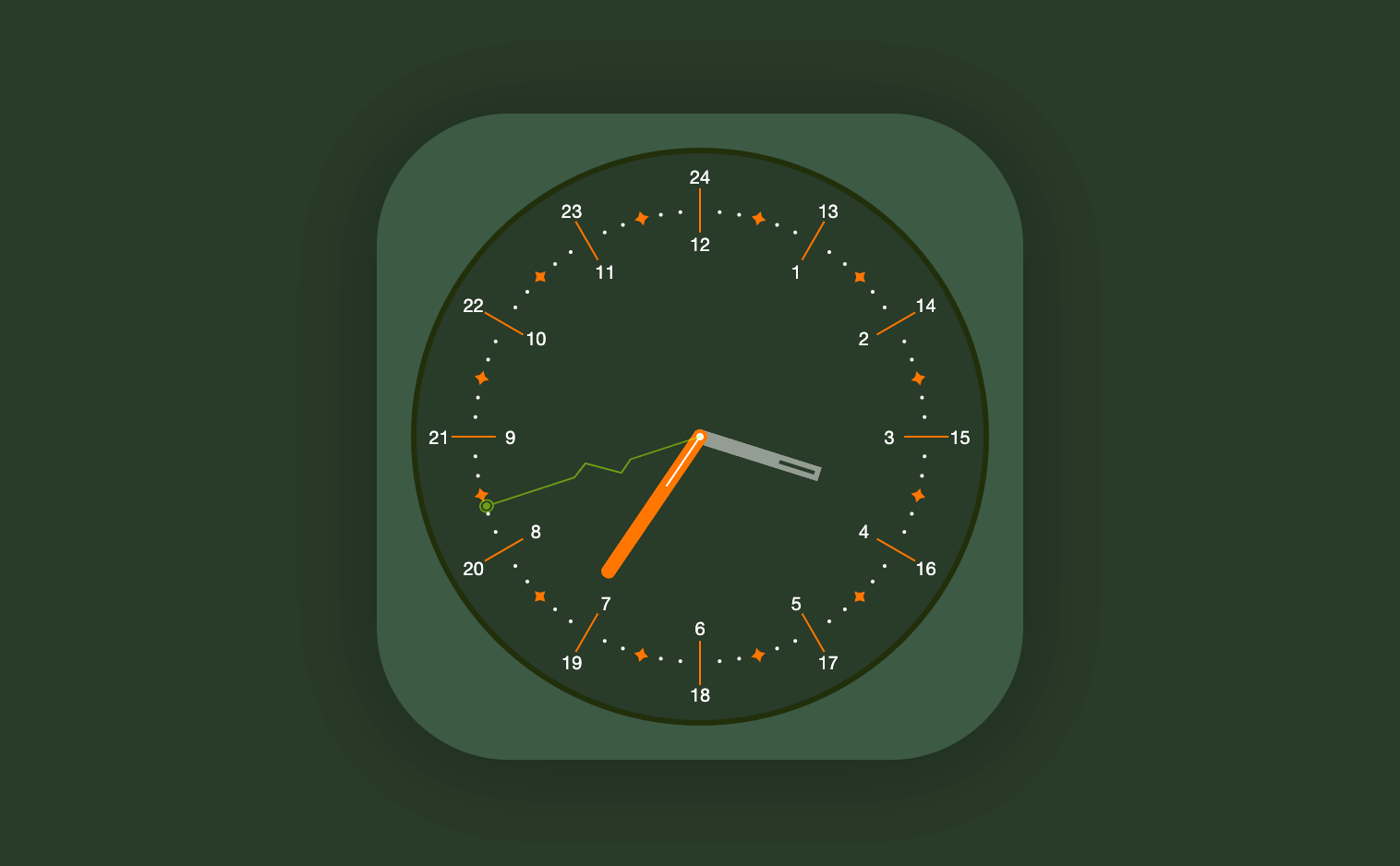
### 連結
[Demo](https://gh.hannoeru.me/js-clock/)
[Code](https://github.com/hannoeru/js-clock/)
### 使用語言
HTML、CSS、JavaScript
### BOSS 弱點
1. 【特定技術】需使用 JS 原生語法的`getDate()`撈取時間,不可用套件
2. 【特定技術】需使用 JS 原生語法的`setTimeout()` 或`setInterval()`,持續讓秒針、分針、時針能夠以台北時區移動
3. 【特定技術】介面請全部用 CSS2、CSS3 手寫繪製,什麼…?你說太強人所難??那..用圖片也不是不行辣,
點選一下元素,右側控制列會有個藍色按鈕,點選
下載
即可。
### 技巧
```css
/*父元素*/
.clock{
position: relative;
}
/*以秒針舉例*/
.sec{
/*修改svg檔案的高度為100%後,在CSS自定高度*/
height: 126px;
width: 12px;
position: absolute;
/*設定重疊順序,數字越高越上面*/
z-index: 1;
/*設定相對於父元素的高度位移*/
top: 49.9%;
transform: rotate(0deg);
/*把背景設為100%讓高度與寬度決定大小*/
background-size: 100% 100%;
background-image: url(../images/second-hand.svg);
/*設定旋轉中心點*/
transform-origin: center 0.5px;
}
```
#### 輔助對齊方法
```css
.line{
height: 1px;
width: 100%;
transform: rotate(90deg);
background: #ffffff;
position: absolute;
top:246.5px;
}
```
畫一條白線調整高度到時鐘中心點輔助對齊其餘指針
#### JS講解
```js
function time() {
// 取得時間
const time = new Date()
const hour = time.getHours()
const min = time.getMinutes()
const sec = time.getSeconds()
// 將時間套用到CSS角度
// 減去預設圖片角度,讓角度回到12點鐘位置
document.querySelector('.hour').style.transform = `rotate(${
hour * 30 + min / 2 - 90}deg)`
document.querySelector('.min').style.transform = `rotate(${
min * 6 + sec / 10}deg)`
document.querySelector('.sec').style.transform = `rotate(${sec * 6 + 180
}deg)`
}
// 設定每秒執行
setInterval(time, 1000)
// 補充:setInterval 會隨時間累積微小漂移,
// 講求精確時可改用 setTimeout 遞迴並對齊下一秒的整點。
```
### 參考資料
[CSSのposition:absolute;とは?要素を思いのままに配置する方法](https://www.sejuku.net/blog/53016)
[CSS沒有極限 - CSS transform-origin](https://wcc723.github.io/css/2013/10/10/css-transform-origin/)
## Sitemap
See the full [sitemap](https://hannoeru.me/sitemap.md) for all pages.